What Is Google AI Mode and How Does It Work?
In the modern digital world, Artificial Intelligence (AI) is making things much easier for people in the way they communicate and use technology. This has also affected the way people conduct online search. Nowadays, people look forward to smart, instant, and conversational responses instead of visiting various websites to browse for information. The integration and advancement of AI in daily life and technology has also led to Google AI mode, which offers smarter, faster and interactive search results. It has made the search more convenient by offering proper, accurate and concise answers required to complete the task. With the help of AI integration, you can ask additional or follow-up questions easily. Getting familiar with it can be helpful for people to optimize their Google search experience. Thus, whether you are a general user, a student, a professional or a businessman, knowing about Google AI mode is beneficial for conducting your searches efficiently. In this blog, we discuss its key features, working process and how to use it.
What is Google AI mode?
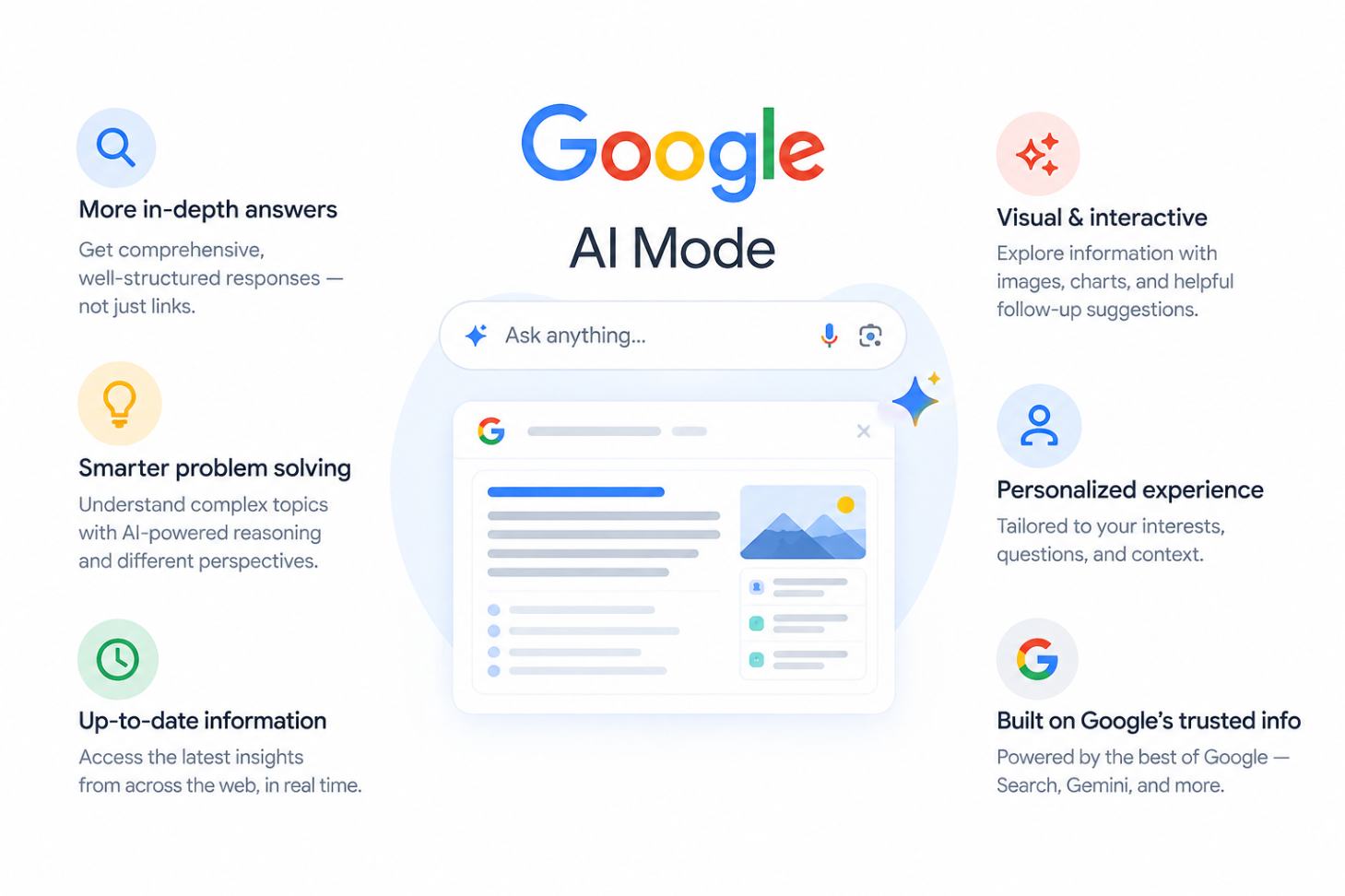
Google AI Mode is an innovative search technology which uses artificial intelligence to give more information via deep-searching and personalized answers. It is a step forward to AI Overviews because the feature not only offers more information, but also includes reasoning capabilities. AI Mode assists you in doing deep research and also offers links to credible sources. Instead of giving you a list of websites, it enables you to pose questions as if in conversation and gives you a detailed answer using the information gathered from various sources online. For instance, if you need to find the best laptop for college, AI Mode helps you get all the information in one place about the laptop that fits your budget, battery and performance capabilities. You won't have to conduct several searches to find out all that information.
Key Features
Regardless of whether your concern is simple, detailed, or related to gaining further insight into the topic, Google AI Mode helps you get and understand information more effectively. It offers a conversational search environment which is like interacting with an expert rather than using standard search. Some main characteristics that distinguish it from the regular search are discussed below:
- Conversational Search: Ability to ask questions in conversational form rather than using short keywords for search.
- Deep Search: Deep Search goes beyond a basic search to provide detailed and research-backed answers to your questions.
- Follow-Up Questions: It allows follow-up questions and addition of new information without beginning a new search.
- Complex Queries: Capable of breaking down complex queries and considering several aspects of the issue at once to offer a more comprehensive response.
- Several Sources: Collecting information from several web pages and putting together all the necessary information.
- Multimodal Search: You can choose the type of search text, voice, images, or file searches depending on its availability.
- Comprehensive Response: It brings relevant information together from multiple sources to provide you with a detailed and comprehensive answer.
Google AI mode vs AI Overviews
Google is changing the way people search for information with two AI-powered features; AI Overviews and AI Mode. Although both rely on generative AI, they use different approaches and serve different purposes when searching and exploring information. Here are the key differences:
|
AI mode |
AI Overviews |
|
AI mode helps to explore a topic through a conversational search experience. |
AI overviews gives a quick AI-generated summary for a search query. |
|
It is more interactive and detailed. |
It works within the usual Google Search results |
|
You can continue the conversation in AI mode. |
Gives a quick AI-generated overview of the topic without ongoing conversation. |
|
AI mode is designed to handle detailed and multi-part questions. |
AI overview is best suited for providing a quick overview. |
|
It uses information from multiple web sources. |
It provides links to relevant sources. |
How Google AI Mode Works?

Finding information online has become faster and more interactive with the help of AI. Google AI Mode takes this experience further by understanding your search query, finding relevant information, and generating a detailed response.Instead of simply matching the words you typed in the search bar, AI mode uses artificial intelligence to get to know about the meaning of your question. The process of how it works is discussed briefly below:
1. Understands Search Query
AI Mode first looks at what you are asking and tries to understand the meaning behind your search. It looks at the context of your question rather than the specific keywords. This helps it understand what kind of information you are actually looking for.
2. Breaks Down Complex Questions
In case when you ask a complicated question, AI Mode breaks the question into smaller bits so it's easier to understand in a better manner. It examines each bit and extracts all the necessary information before synthesizing the same. This is helpful when your question covers several points and you want a more complete answer without making multiple searches.
3. Searches and Brings Information Together
AI Mode divides the questions into smaller components, and searches for relevant information from multiple sources for more detailed answers. It collects all the useful information and gives a reply that answers your question. This means you do not always have to make several separate searches to get the information you need.
4. Handles Follow-up Questions
One of the useful parts of AI Mode is that you can ask follow up questions without starting from the beginning. It maintains the context of your last question that enables you to add more details, refine your search, or look for other areas of interest. This makes the search process feel more natural and conversational.
How to Use Google AI Mode

Google AI Mode is quite alike Google search, however, here you can make more inquiries and even follow-up questions regarding your inquiries. This helps you explore the topic, look for alternatives, and find relevant information for further research. Here are the steps to use it:
1. Open Google
Open Google Search on your computer or mobile device.
2. Type Your Questions
Type your question in your own words. You need to type a single question, a question with several points or any other kind of query.
3. Choose AI Mode
After typing your question, select “AI Mode” from the search options below the search bar. Google AI Mode will then provide a detailed response, and you can ask follow-up questions.
4. Verify The Answers
AI Mode provides you with the answers to your questions in accordance with the information gathered from different sources. You should research out more about the topic from several links to receive an accurate answer.
5. Ask More Questions
Follow up with additional questions based on previous answers if desired. Make your requirement more specific, expand your search or add more information but don't begin again.
6. Further Research
It is possible to click on sources on AI mode relevant to the subject or proceed with your questions to learn more about it. This is useful for acquiring more information on your query.
Note: After opening Google, you can also click “AI Mode” located on the right side of the Google Search bar and then type your question. Once you insert the question, you need to press enter which directly leads to Google AI Mode.
Benefits of Google AI Mode
AI technology has made it possible to access and gain information more quickly, easy and in a convenient manner. However, with the addition of Google AI mode its innovative smart functions can also be applied to gather information, answer specific questions and even prompt questions regarding subsequent commands. These features simplify and make everyday searches even more useful. Some of the key benefits is given below:
- It allows you to ask follow-up questions without starting a new search.
- AI mode makes it easier to understand complex questions in an easier way.
- Overall search experience is more natural and conversational in AI mode.
- It also helps to link information from multiple sources into a single response.
- AI mode helps research, compare, and explore different topics more easily and efficiently.
Conclusion
Google AI Mode is revolutionizing the way people look for information, allowing it to become more interactive and conversational. It can handle complex questions, combine information from several sources, and allows you to ask further questions without having to repeat the information. AI mode proves to be helpful for a more thorough search as well as discussion on the subject matter. Considering the increasing usage of AI in Google Search, AI Mode is beneficial for simplifying the process of search and information comprehension.
As Google Search continues to evolve, the need for information to be found online has become more significant for individuals as well as organizations. If you need the best digital marketing agency in Nepal for increasing online visibility, ClickBenz Creatives is ready with the help of various digital marketing services including SEO and content marketing among others. You can check out our other blogs as well. Get in touch with us, ClickBenz Creative helps to build a strategy that fits your business.
Recommended Blogs:
FAQs
1. How can you use Google AI Mode?
You can use AI Mode by going to Google Search, entering your question, and selecting AI Mode. You can ask questions using text, voice, images, or files and continue with follow-up questions to explore the topic further.
2. Does Google AI Mode show sources for its answers?
Yes, it provides links to relevant sources with its answers, so you can check the information and explore the topic further. These sources can help you verify the details and understand the information in more depth.
3. What are the limitations of Google AI Mode?
Google AI mode doesn’t always provide an accurate answer or include all the details you need. So, It is a good idea to check the information and sources, especially when the topic is important.